Understanding Azure AI Vision
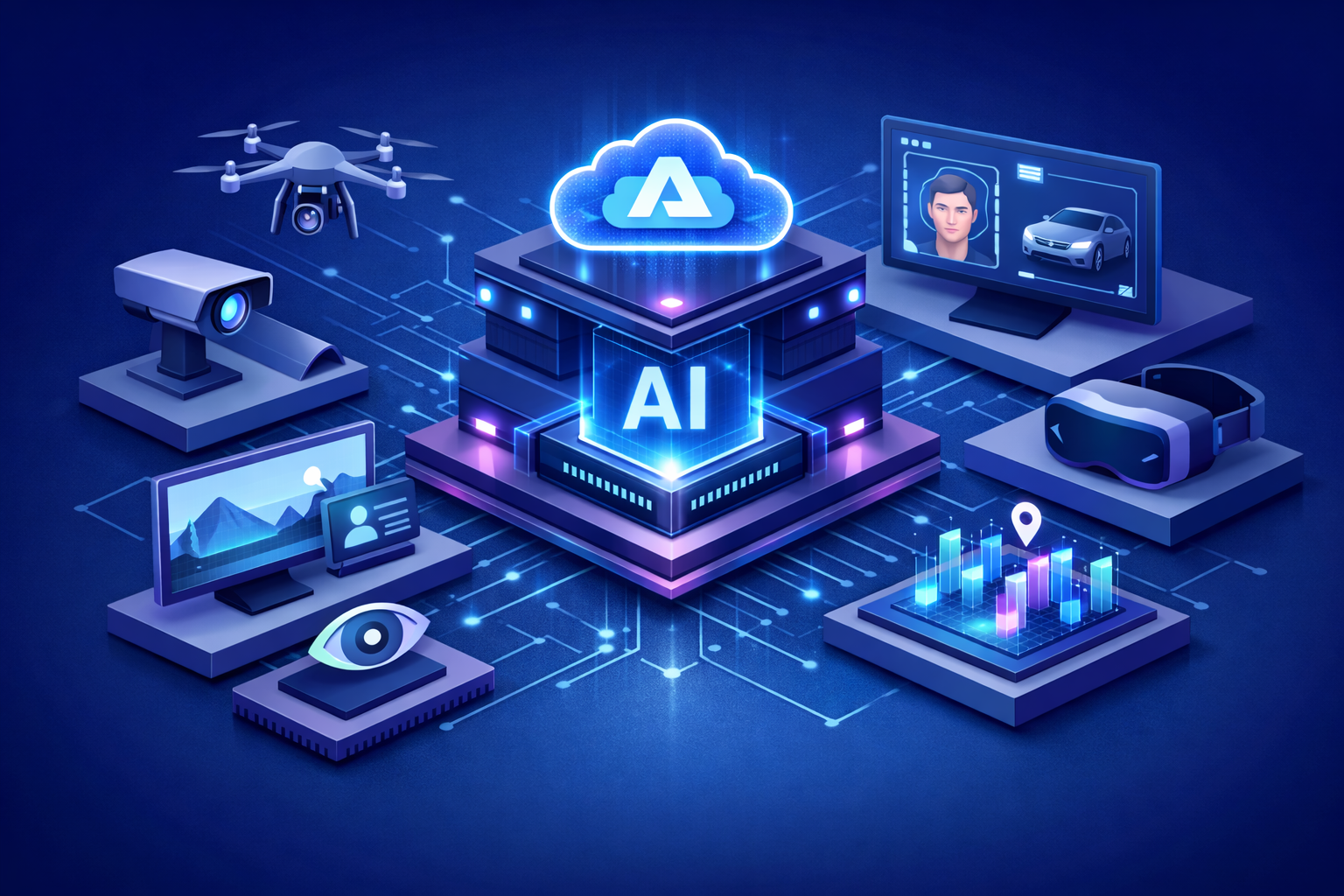
Azure AI Vision is Microsoft Azure’s computer vision offering for analyzing visual content and extracting meaningful information from images and selected video-based scenarios. It is designed to help organizations interpret what appears in visual assets, detect patterns, read text, identify important objects or scenes, and transform visual information into data that applications and business processes can use. In practical terms, it allows businesses to treat visual content not as unstructured media, but as a source of intelligence.
This is increasingly important in a world where organizations generate and consume enormous volumes of visual data. Product photos, scanned files, mobile images, identity documents, security footage, retail shelf images, industrial camera feeds, and customer-uploaded content all contain valuable information. Azure AI Vision helps organizations make that information easier to analyze, retrieve, and operationalize across digital systems.
Why Visual Intelligence Matters in Business
Many critical business decisions still depend on visual interpretation. Teams inspect images for quality control, read text embedded in files, review video streams for movement and activity, analyze customer-submitted photos, and work with visual documentation across industries such as retail, manufacturing, insurance, healthcare, logistics, and public services. When these tasks rely only on manual review, they are often slow, inconsistent, and difficult to scale.
Azure AI Vision matters because it helps organizations apply AI to these visually intensive workflows in a practical way. It can reduce manual effort, improve consistency, speed up information handling, and make visual data more accessible to applications, users, and intelligent systems. Instead of seeing visual content as an operational burden, businesses can treat it as a strategic asset.
Core Capabilities of Azure AI Vision
Azure AI Vision includes several important capabilities that support visual understanding across enterprise scenarios.
-Image Analysis: Detects and describes visual features such as objects, scenes, tags, captions, and other image attributes that help applications interpret what appears in an image.
-Optical Character Recognition: Extracts printed and handwritten text from images and documents, making visual text searchable and machine-readable.
-Face Analysis: Supports responsible face-related scenarios such as face detection, analysis, and privacy-focused use cases where human faces need to be identified or processed appropriately.
-Spatial Analysis: Helps organizations understand movement, presence, and activity within physical spaces by analyzing video streams in real time.
-Visual Content Enrichment: Adds metadata and structure to visual assets so they can be indexed, searched, categorized, or routed within business applications.
-Developer-Friendly Integration: Provides APIs, SDKs, and Azure integration options that make it easier to embed vision capabilities into applications and workflows.
From Raw Visual Content to Usable Business Data
The real value of Azure AI Vision is not just that it can analyze images. Its value comes from turning visual content into usable business data. A product photo can become structured metadata for a catalog. A scanned form can become searchable text for a workflow. A video stream can become operational insight about movement in a physical space. A customer-submitted image can become input for a service process, claim review, or support interaction.
This shift changes how organizations build digital solutions. Instead of limiting automation to structured forms and database fields, they can include the visual world as part of their intelligent systems. That opens the door to richer applications, more context-aware services, and better operational visibility.
Key Business Use Cases
Document and Image Text Extraction
One of the most common uses of Azure AI Vision is optical character recognition. Organizations can extract text from images, photos, labels, scanned files, whiteboards, forms, and business documents, making information easier to search, validate, and move into digital workflows. This is especially valuable when visual text is part of operational processes but is otherwise difficult to capture manually at scale.
Digital Asset Management
Marketing, media, and enterprise content teams often manage large collections of images that need to be categorized, tagged, and searched efficiently. Azure AI Vision can enrich these assets with visual metadata, making them easier to organize and retrieve. This supports content discoverability, governance, and more efficient use of digital media libraries.
Retail and Product Intelligence
In retail scenarios, visual analysis can help identify products, analyze shelf conditions, detect missing items, and support merchandising or inventory workflows. Images captured in stores or warehouses can become a source of real operational insight when analyzed through AI-driven visual understanding.
Operational Monitoring with Video
For organizations working with physical spaces, Azure AI Vision can support video-based spatial analysis to better understand movement, occupancy, or activity patterns. This can be useful in environments such as stores, facilities, public spaces, manufacturing sites, and logistics operations where real-time awareness can improve safety, planning, and service quality.
Customer Experience and Service Workflows
Businesses can use Azure AI Vision in customer-facing scenarios where users upload images or documents as part of a process. Insurance claims, support tickets, onboarding flows, product verification, and field-service reporting can all benefit when images and visual evidence are automatically interpreted and routed into downstream systems.
How Azure AI Vision Fits into the Azure AI Ecosystem
Azure AI Vision becomes even more valuable when combined with other Azure AI and platform services. In many enterprise architectures, it acts as the visual understanding layer within a broader intelligent solution.
-Azure AI Search: Uses extracted text and visual metadata to make images and visual documents more searchable and easier to retrieve.
-Azure AI Document Intelligence: Complements vision capabilities in document-heavy scenarios where structure, fields, and advanced document extraction are required.
-Azure OpenAI Service: Can use vision-derived outputs as grounding context for summarization, question answering, and generative AI workflows.
-Azure AI Foundry: Provides the broader platform for building, evaluating, and governing intelligent applications that include visual understanding.
-Azure AI Agent Service: Allows agents to retrieve and reason over information extracted from images, documents, and visual workflows.
-Azure Storage and Data Platforms: Store source images, extracted metadata, and downstream records used in applications and analytics.
-Azure Monitor, Key Vault, and Microsoft Entra: Support observability, security, secrets management, and access control across the full solution architecture.
Azure AI Vision and Video-Centric Scenarios
Although Azure AI Vision is often associated with still-image analysis and OCR, its value also extends into selected video-centric use cases, particularly where spatial awareness and live scene understanding are important. In these scenarios, the goal is not merely to store video, but to interpret what is happening within it. Understanding movement, presence, or environmental conditions can help organizations respond more effectively in real time.
For broader video intelligence strategies, organizations often treat Azure AI Vision as one part of a larger architecture that may also include indexing, storage, workflow automation, and AI-driven analysis across other services. This layered approach allows businesses to choose the right capabilities depending on whether they need scene understanding, searchable metadata, document reading, or richer media processing workflows.
Architecture Considerations for Production Deployments
Production use of Azure AI Vision typically requires more than sending an image to an API. Teams should think carefully about ingestion patterns, image quality, latency requirements, storage design, access controls, metadata strategies, workflow integration, and how visual outputs will be validated and consumed downstream. These design choices affect both technical reliability and business usefulness.
In many enterprise architectures, source images or video frames are stored in Azure Storage, analyzed by Azure AI Vision, enriched with metadata or extracted text, and then passed to search indexes, business applications, analytics tools, or intelligent agents. In higher-risk scenarios, outputs may also go through validation rules or human review before any downstream action is taken. This approach helps balance automation with accuracy and trust.
Security, Privacy, and Responsible AI
Visual intelligence can involve highly sensitive data, including faces, documents, physical environments, and customer-submitted media. For that reason, organizations should adopt Azure AI Vision as part of a secure and governed architecture. Access controls, auditability, data handling policies, and least-privilege design all matter, especially when visual content intersects with privacy, compliance, or regulated business processes.
Responsible AI considerations are equally important. Organizations should be clear about what visual data they collect, how it is processed, what decisions it supports, and when human oversight is required. Use cases involving face-related analysis, physical-space monitoring, or customer-submitted images should be approached with careful governance, transparency, and legal review where appropriate. The objective is not only to gain insight from visual data, but to do so in a way that is trustworthy and aligned with organizational values.
Best Practices for Azure AI Vision Adoption
-Start with a Clear Visual Use Case: Focus on scenarios where image or video understanding can directly improve operations, service quality, or knowledge access.
-Prepare for Real-World Content Variability: Account for image quality, lighting, orientation, handwriting, formatting differences, and environmental conditions during solution design.
-Integrate Vision with Business Workflows: Treat visual analysis as part of a broader process rather than as an isolated technical feature.
-Use Search and Metadata Strategically: Enrich visual assets so they become easier to discover, retrieve, and govern across the enterprise.
-Validate High-Impact Outputs: Keep human review in place for sensitive, regulated, or high-risk decisions supported by visual AI.
-Track Product Roadmap and API Changes: Align implementations with current supported capabilities and migration guidance as Azure Vision continues to evolve.
Common Challenges Organizations Should Address
Like any AI capability, Azure AI Vision delivers the strongest results when it is implemented with realistic expectations and strong architecture. Common challenges include inconsistent image quality, multilingual text, ambiguous visual context, operational latency requirements, privacy concerns, and integration complexity across business systems. In video scenarios, organizations must also think carefully about compute needs, event relevance, and what level of automation is appropriate.
Another challenge is assuming visual intelligence replaces human judgment completely. In reality, the most effective enterprise solutions often use Azure AI Vision to accelerate understanding, surface signals, and reduce manual effort while still maintaining clear controls for sensitive use cases. Success comes from combining AI capability with sound operational design.
The Strategic Value of Visual AI
Azure AI Vision gives organizations a way to expand digital intelligence into the visual layer of the business. This is strategically important because so much real-world information is visual by nature. When businesses can interpret images, read embedded text, understand visual scenes, and derive meaning from selected video scenarios, they improve their ability to automate work, support better decisions, and create more intelligent digital services.
For many organizations, this means moving beyond traditional data pipelines into a more complete view of enterprise information. Visual AI does not simply add convenience. It changes what can be measured, automated, searched, and understood across business operations.
The Future of Azure AI Vision
The future of Azure AI Vision is closely tied to the broader evolution of multimodal AI and intelligent applications. As businesses increasingly combine text, images, documents, voice, and real-time operational signals, visual understanding will become a core part of enterprise AI architecture rather than a niche capability. This shift will make vision services even more important in workflows that depend on richer context and more natural forms of machine understanding.
Azure AI Vision is well positioned for this future because it already helps bridge the gap between raw visual content and structured business outcomes. As organizations build more advanced search systems, copilots, agents, and operational intelligence solutions, the ability to derive insight from images and video will become an essential part of digital transformation.
Conclusion
Azure AI Vision is turning images and video into business insight by helping organizations analyze visual content, extract text, understand scenes, and make visual data more actionable across enterprise workflows. With capabilities that support image analysis, OCR, face-related scenarios, and spatial understanding, it provides a strong foundation for modern visual intelligence solutions. For organizations looking to modernize how they interpret and operationalize visual information, Azure AI Vision represents a powerful step toward more intelligent and context-aware business systems.